 The Slow Interface
Designing for Focus: Interfaces That Help Users Enter Flow State
Understanding Flow State in Design
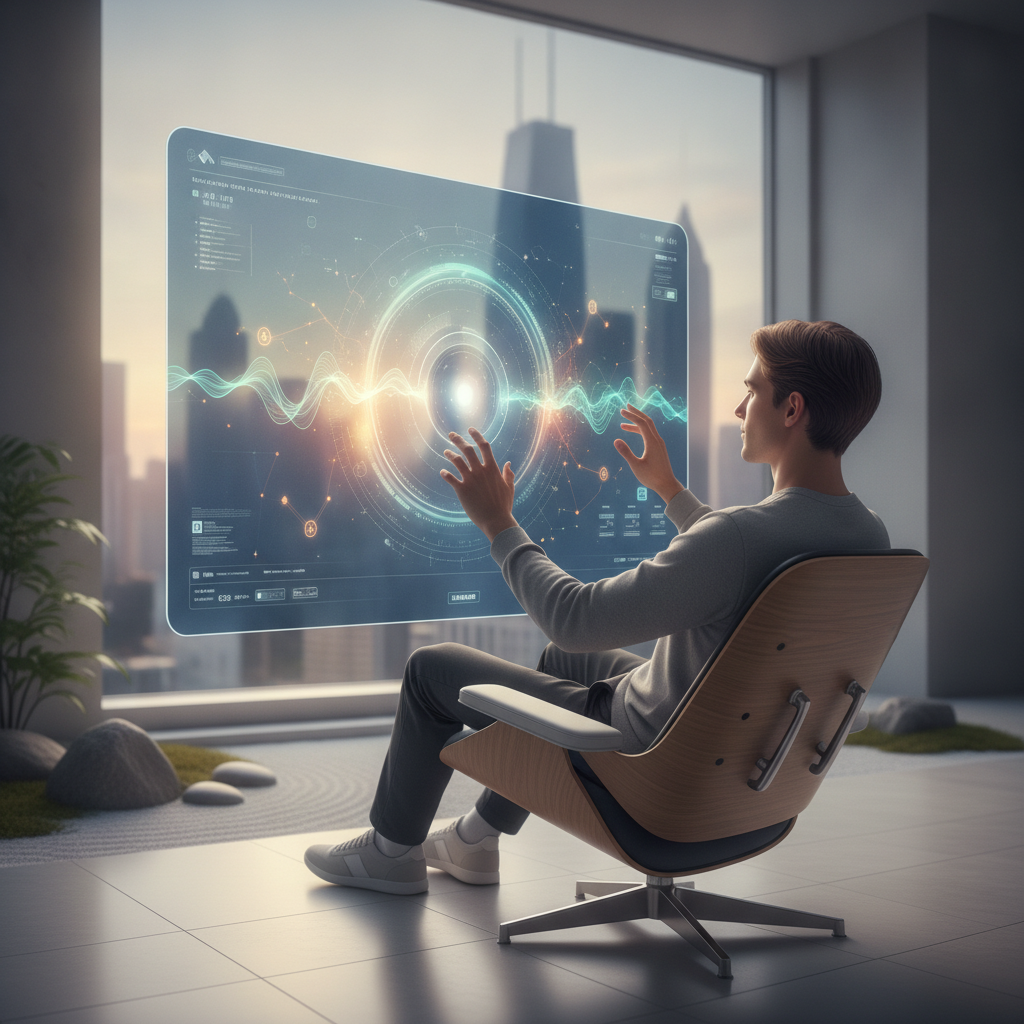
In our increasingly digital world, capturing and maintaining attention has become a critical challenge. One effective way to combat distractions is through the design of user interfaces that facilitate a state known as "flow." Flow, as coined by psychologist Mihaly Csikszentmihalyi, refers to a state of heightened focus and immersion in activities. When users achieve this state, they experience enhanced productivity and creativity. Thus, designing interfaces that help users enter flow is pivotal for developers and designers alike.
Key Elements of Flow-Inducing Interfaces
To create environments conducive to flow, consider the following elements:
 1. Minimalism:
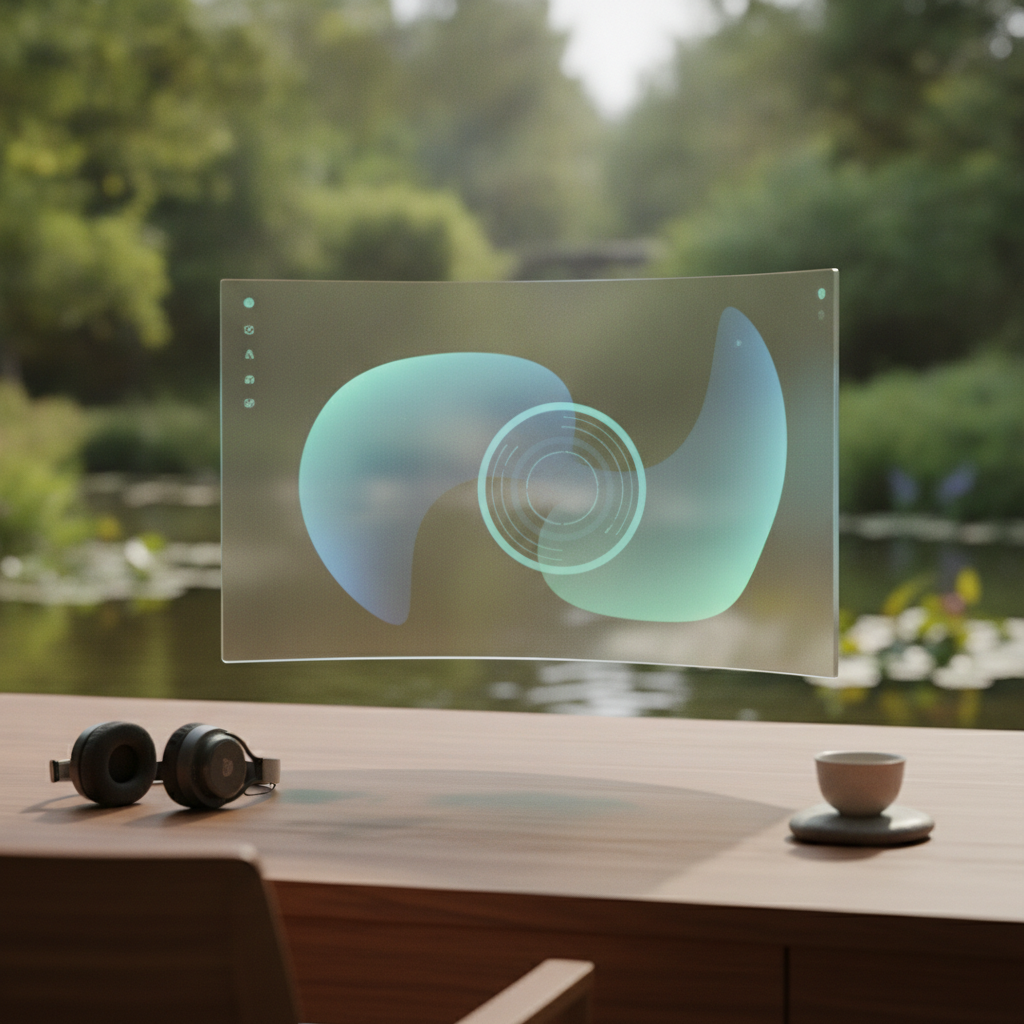
Clutter can be a significant barrier to focus. Stripping away non-essential elements helps users concentrate on their primary tasks. This means prioritizing content and features that are most relevant and beneficial.
2. Clear Goals:Users should easily understand what is expected of them. By presenting clear objectives and feedback on progress, designers can guide users through their tasks without confusion.
3. Immediate Feedback:Instantaneous feedback keeps users engaged and aware of their progress. Whether it’s through visual cues, sound notifications, or dynamic updates, this feedback loop is essential for sustaining flow.
4. Intuitive Navigation:A seamless navigation experience allows users to move effortlessly through an interface. Complex hierarchies or convoluted paths can disrupt focus, so a straightforward design is crucial.
Design Techniques to Foster Flow
Implementing specific design techniques can further enhance the likelihood of users entering a flow state:
Use of whitespace: Adequate spacing between elements reduces visual noise and promotes a clean look, enabling users to focus on content without overwhelming distractions.
Consistent visual language: A cohesive aesthetic helps users feel more comfortable and familiar, allowing them to immerse themselves in their tasks without cognitive overload.
Engaging visuals: Striking the right balance between engaging aesthetics and functional design can enhance motivation, encouraging users to dive deeper into their work.
Conclusion
Designing interfaces that promote flow is not just about aesthetics; it’s about creating an environment that fosters concentration, immersion, and productivity. By focusing on minimalism, clear goals, immediate feedback, and intuitive navigation, designers can craft experiences that allow users to enter flow states. As we continue to innovate in digital spaces, prioritizing user engagement through thoughtful design will ultimately lead to more meaningful interactions.